
Your team, by role and PIN.
A focused portal for the floor — receiving, counts, tasks and lookups — gated by role and PIN, so the right people reach the right tools and every action carries a name.
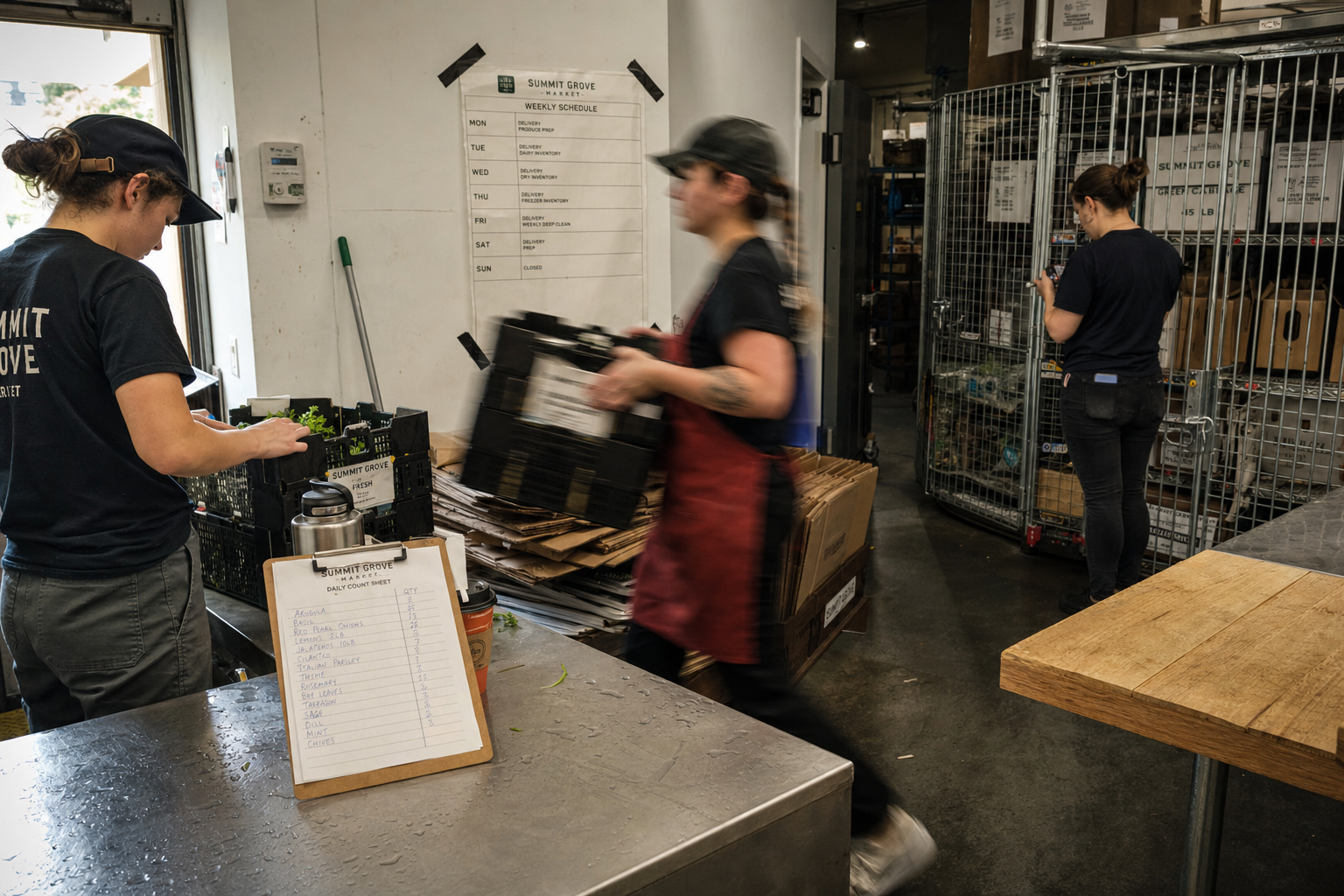
Most systems give the floor either everything or nothing.
Your closer does not need the general ledger, and your bookkeeper does not need the count sheet. A portal that shows each person only their own work is faster to learn and safer to hand over.
By hand
- One shared login
- Clipboards and paper counts
- Tasks passed on by word of mouth
- Nobody sure who did what
- Training on the whole system
With Mimnu
- A PIN for each person
- Counts entered where they happen
- Tasks assigned by role
- Every action signed
- Training on one screen
Set a role. Hand over the tablet.
Add the person
Name, role and PIN. The role decides what the portal shows — cashier, receiver, manager, or one you define yourself.
They work from the floor
Receiving scans, cycle counts, price lookups, task lists and shift notes, on a phone or the back-room tablet.
You get the trail
Every count, receipt, price change and drawer action carries a name and a time, without anybody filling in a log.
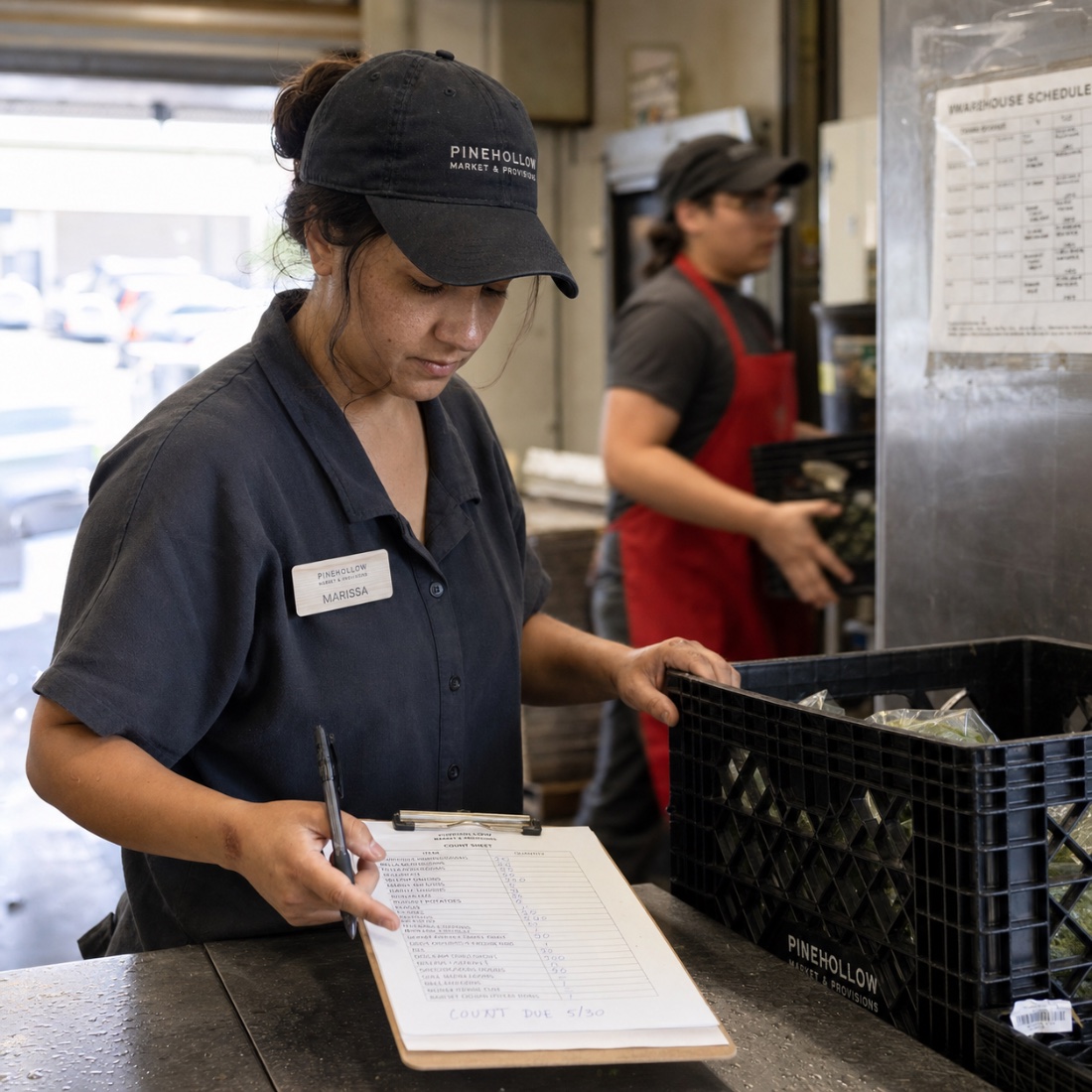
The jobs the floor actually does.
Counts, receiving, shelf lookups, tasks and shift notes — the handful of things a shift genuinely needs, on one screen instead of buried three menus deep in a back office.
- Cycle counts and spot checks
- Receiving and put-away
- Price and stock lookups
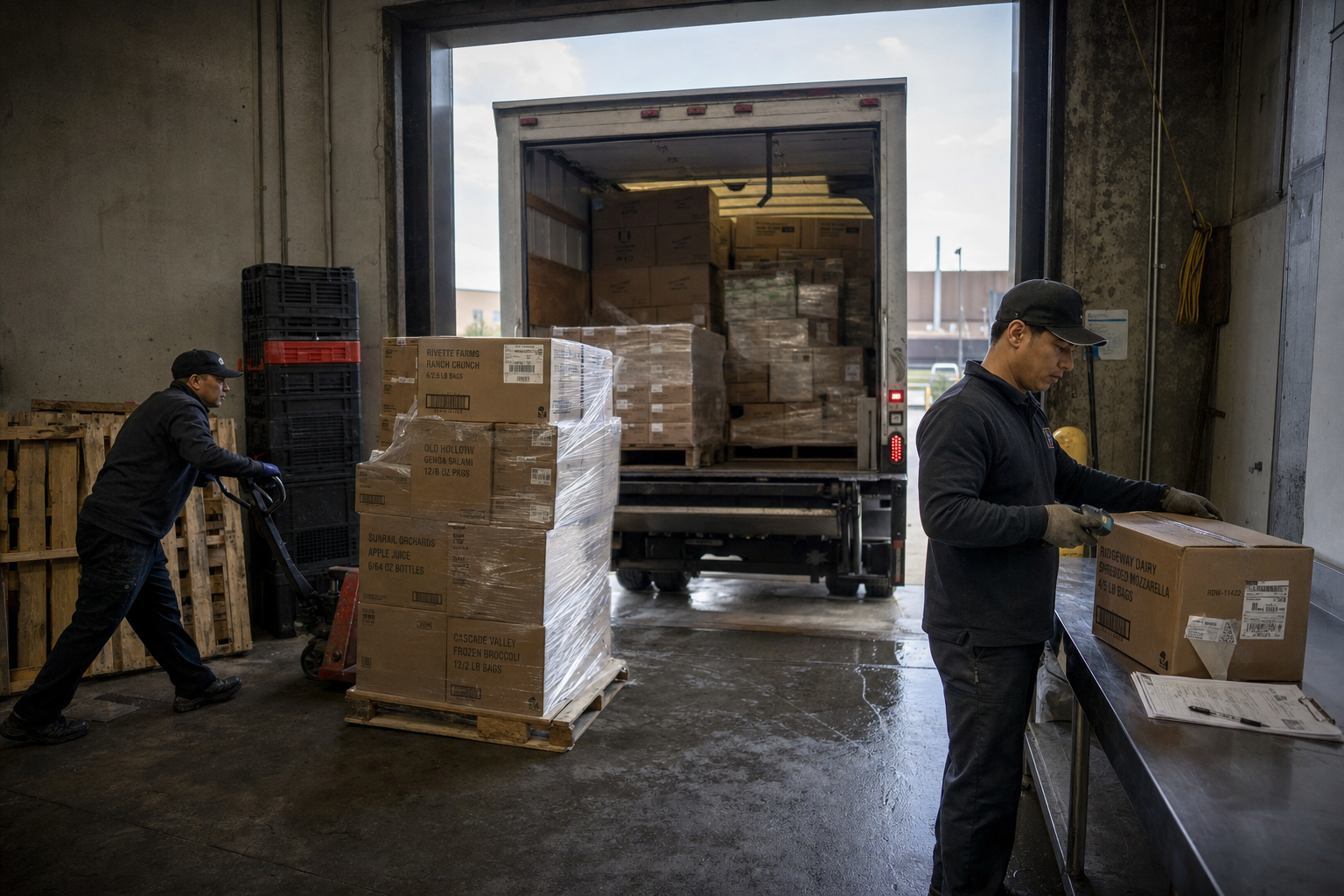
Access that ends when the shift does.
PINs are issued and revoked in seconds, permissions follow the role rather than the person, and anything sensitive — a void, a price override, a drawer open — asks for a PIN every single time.
- Issue and revoke in seconds
- Permissions follow the role
- PIN required on sensitive actions
What comes with Staff portal.
Roles and permissions
Cashier, receiver, manager — or a role you define.
PIN actions
Sensitive steps confirmed by the person doing them.
Tasks and shift notes
Assigned by role, closed on the floor.
Activity trail
Who counted, who received, who changed a price.
The portal is the floor’s door into everything else.
Hand the floor its own screen.
Add one role, issue one PIN, and let a shift run without a shared login.