
A catalog that builds itself.
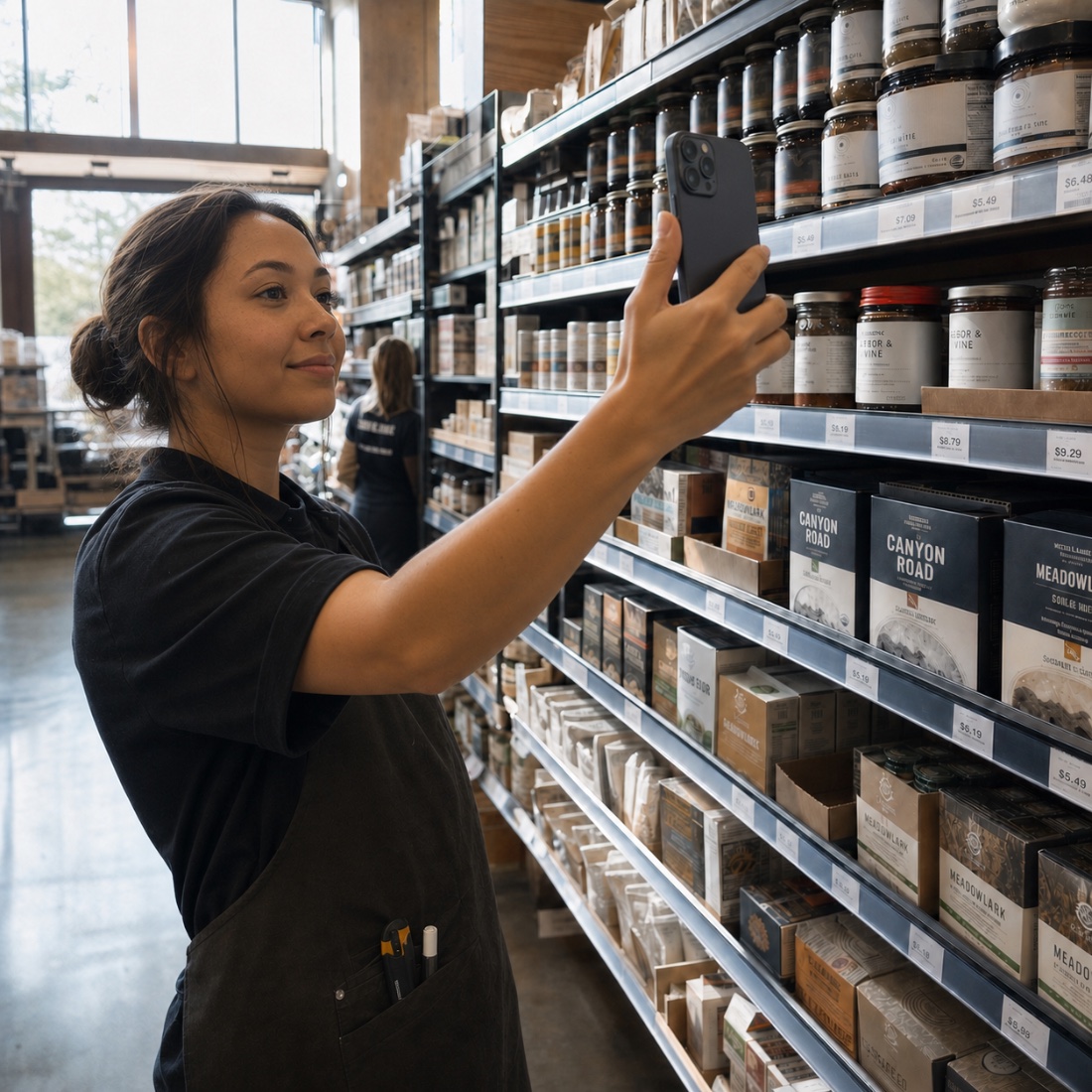
Photograph a shelf. Forward an invoice. Mimnu names the products, sorts the categories, pulls the images, and keeps every cost current as the next invoice lands.
Nobody has ever finished building a catalog by hand.
Most stores run on a spreadsheet somebody started in year one and nobody trusts by year five. Mimnu builds the same thing out of what already arrives at your door.
By hand
- Names typed off packaging
- Costs from last spring
- Duplicates under three spellings
- Categories nobody agreed on
- Images collected one at a time
With Mimnu
- Named from a shelf photo
- Cost updated on every invoice
- Duplicates merged on sight
- Store, Mimnu and Google categories
- Images pulled and matched
Two inputs you already have. One clean catalog.
Photograph the shelf
Walk the aisle with a phone. Mimnu reads the packaging, identifies the product, and writes a record with a name a customer would recognise.
Forward the invoice
Every vendor line becomes a product or matches one you already sell, with the pack size, the unit cost and the vendor attached to it.
Approve what is new
Mimnu queues anything it is not certain about. You confirm it once — it never quietly guesses on your behalf.
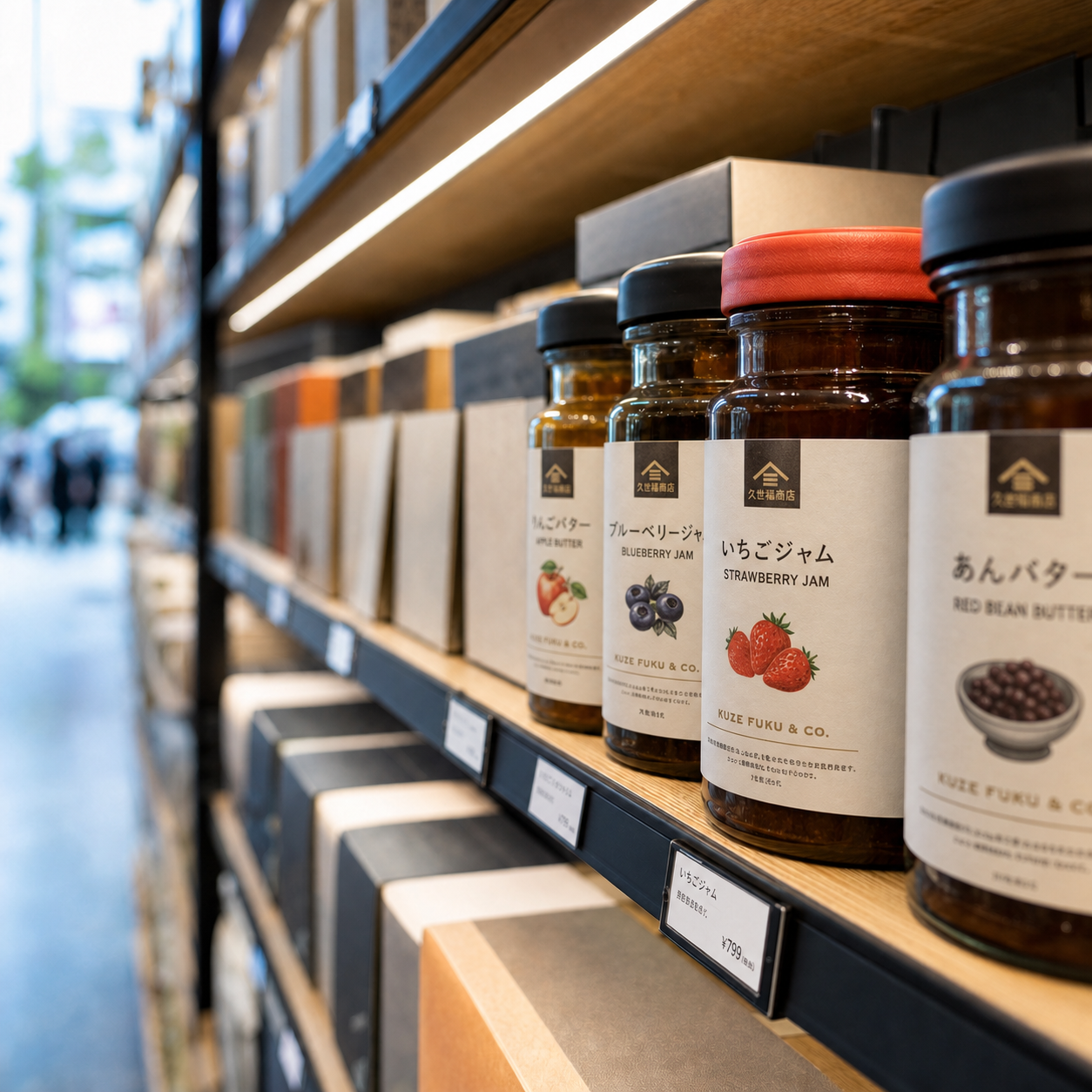
Three levels of category, one product.
Your store’s aisles, Mimnu’s canonical taxonomy and Google Shopping’s, kept in parallel — so the same jar sits in Aisle 4, in Pantry / Oils, and in the right ad feed at the same time.
- Store, Mimnu and Google taxonomies
- Tags, pack sizes and variants
- Bulk edit by category or vendor

The number under the price is always today’s.
Each invoice writes back to the product it came from. Margin is worked out from what you actually paid this week — not from what you paid when you last set the price.
- Line-level cost history
- Vendor price-hike flags
- Margin recalculated on every change
What comes with Catalog.
AI product intake
Photos and invoices become structured records — name, size, category, image.
Duplicate control
Three spellings of one product collapse into a single record.
Vendor mapping
Every product knows who sells it and what they last charged.
Channel-ready fields
What your storefront, labels and ad feeds need is already filled in.
Catalog is the first module most stores switch on.
The catalog is what the rest of the floor reads from.
Invoices & AP
Costs from every vendor line write back to the product they belong to.
Open Invoices & AP → Module 05Labels & pricing
Shelf labels print straight from the catalog, so the tag and the system agree.
Open Labels & pricing → PlatformEcommerce
The same catalog fills your online store without a second upload.
Open Ecommerce →Start with a shelf and a phone.
Turn on Catalog, walk one aisle, and watch the first hundred products name themselves.