
Product photos, without a studio.
Pantry Studio matches the photos you already have to the products they belong to, generates the ones you are missing, and watermarks the whole batch for the channel it is going to.

Half the catalog has no picture. The other half has the wrong one.
Imagery is the difference between a listing that sells and one nobody clicks. It is also the job that never quite reaches the top of anybody’s list.
By hand
- Shooting one product at a time
- Filenames nobody can match
- Supplier images at the wrong size
- Watermarks added in another app
- Gaps that stay gaps
With Mimnu
- Batch straight off the table
- Matched to the product record
- Sized for every channel
- Watermarked on export
- Missing images generated
Shoot a batch. Get a catalog.
Shoot or upload
A table, a light and a phone is enough. Drop in supplier packs and old folders as well — Studio takes whatever you already have.
Studio matches
Each photo is read and attached to the product it actually shows — by label, barcode or shape, not by filename.
Fill and finish
Products with no usable photo get a generated image, then the whole set is cropped, sized and watermarked for each channel it appears on.
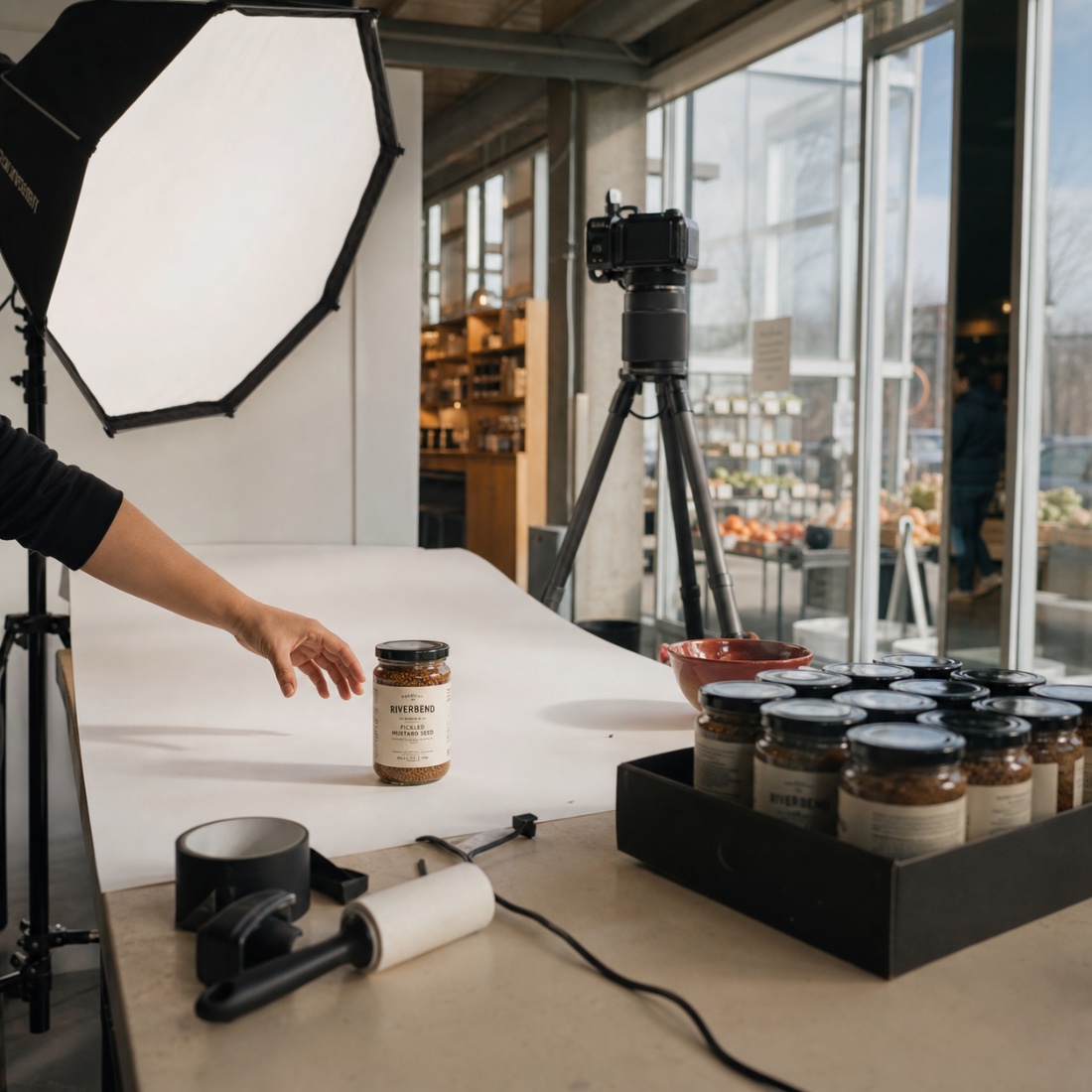
One catalog that looks like one store.
Backgrounds, crops and framing are normalised across the batch, so a shelf of thirty products does not look like thirty different photographers turned up on thirty different days.
- Backgrounds cleaned and normalised
- Consistent crop and framing
- Sized per channel automatically
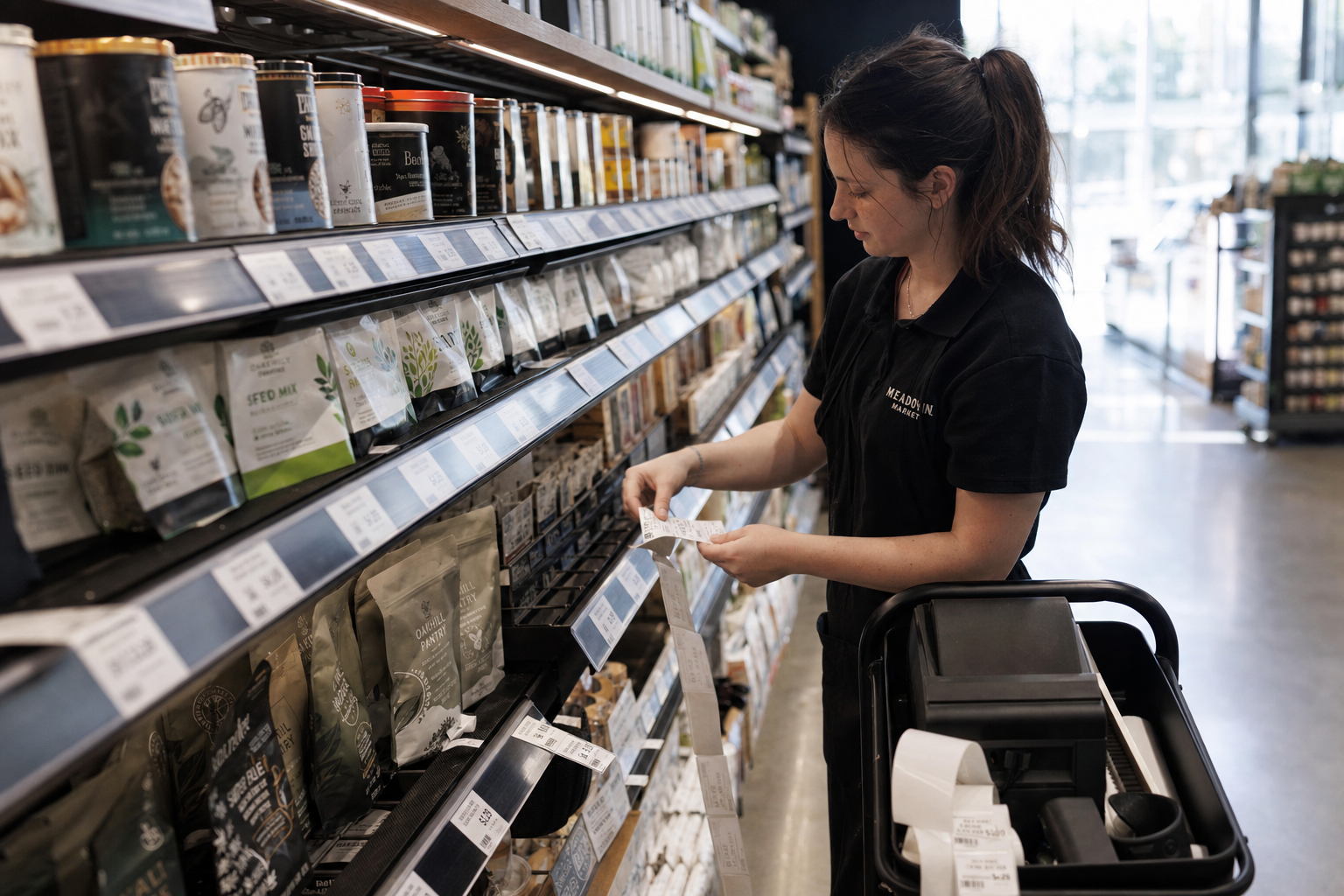
Your images, marked as yours.
Watermarks are applied at export and set per channel — a clean image for your own storefront, a marked one for a marketplace, and the untouched original kept underneath both.
- Per-channel watermarking
- Originals kept untouched
- Bulk re-export at any time
What comes with Product Studio.
Photo-to-product matching
Images attach themselves to the right record.
Generated images
A usable picture where no photograph exists.
Channel sizing
Crops and dimensions per storefront and marketplace.
Watermarking
Applied at export, never baked into the original.
Pictures are only useful where the products live.
Catalog
Every image lands on the product record the rest of the store reads.
Open Catalog → PlatformEcommerce
Listings go live with photography instead of a grey placeholder.
Open Ecommerce → Module 05Labels & pricing
The same record carries the image, the price and the shelf tag.
Open Labels & pricing →Photograph one shelf.
Send a single batch through and see how much of your catalog gets its picture back.