
Hours and checks, on one ledger.
Staff clock in against the same system that runs the floor. Hours become checks, checks post to the ledger, and payroll stops being a separate errand you do somewhere else.
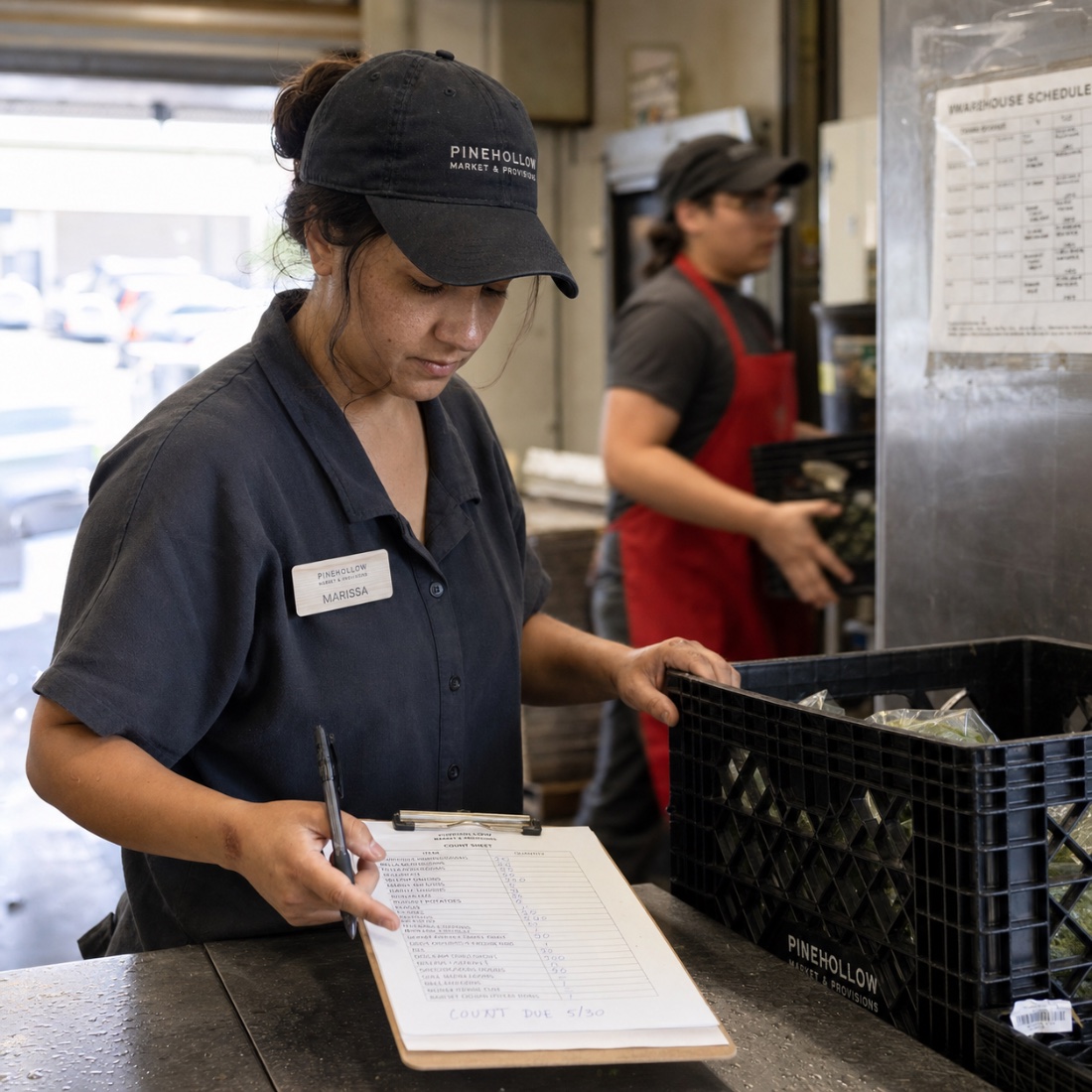
Payroll is the one number that lives outside the business.
Hours are kept in one place, wages in another, and the cost of labour only reaches the books weeks later. Mimnu keeps all three in the same ledger as sales and vendor spend.
The usual way
- Paper timesheets
- Hours re-keyed into a portal
- Labour cost known after the fact
- Checks written separately
- Overtime found at the end
With Mimnu
- Clock-in under a PIN
- Hours already in the ledger
- Labour cost against today’s sales
- Checks printed and posted
- Overtime flagged as it builds
Clock in. Approve. Print.
Staff clock in on the floor
PIN in, PIN out, on the same tablet they receive and count on. Breaks and shift notes ride along with it.
Hours land in the period
The pay period fills itself as the week runs, with overtime and breaks calculated while they happen rather than at the end.
Approve and pay
Review the period, approve it, and print checks straight from the ledger — with the entry posted in the very same action.

What the shift cost, against what it sold.
Because hours and sales post to the same ledger, labour is a live percentage instead of a monthly surprise. Brain flags the days where the two stopped making sense together.
- Labour as a share of sales, live
- By day, shift or department
- Flagged when it drifts
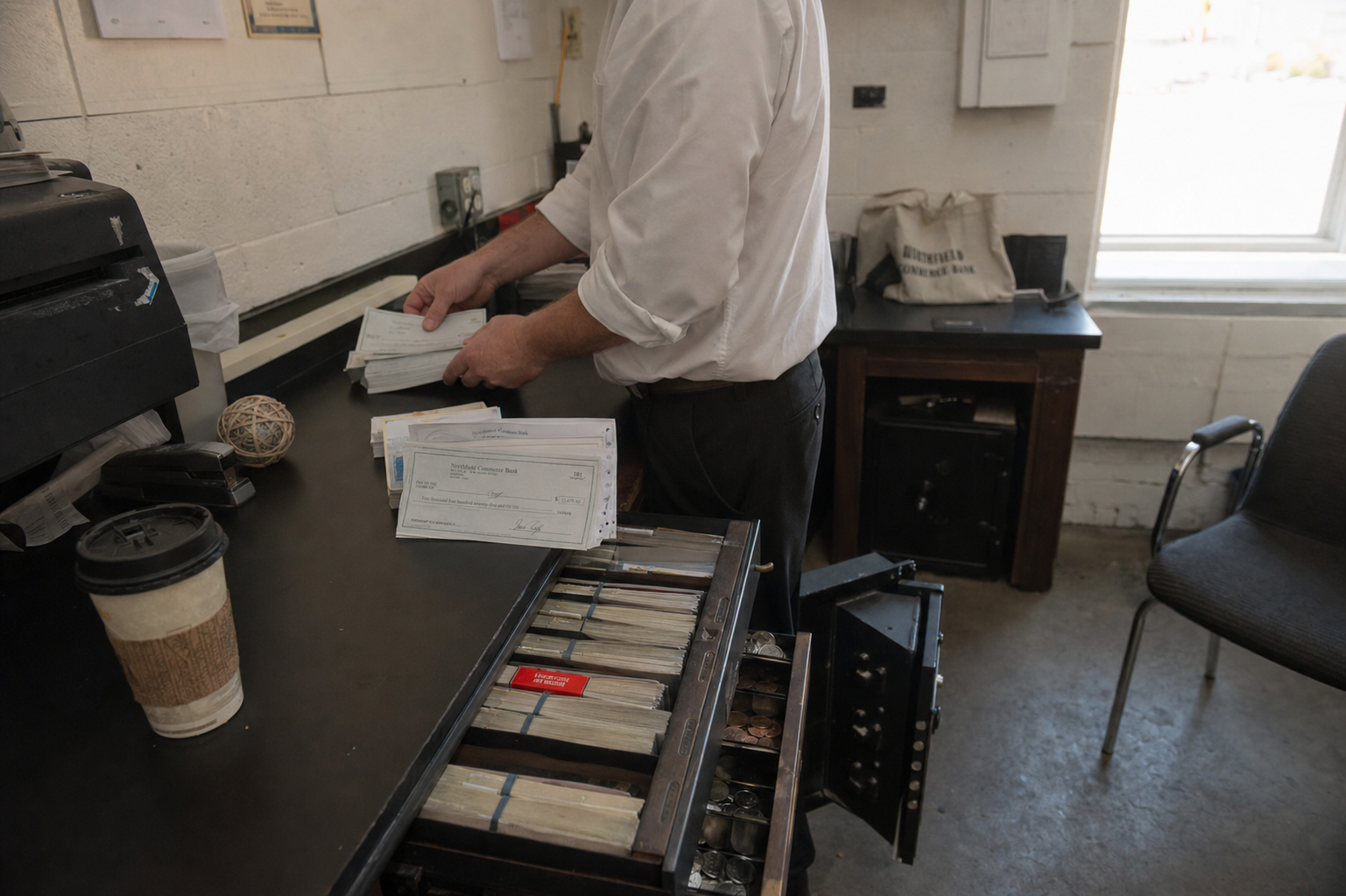
Checks that close their own entry.
Print payroll checks on the same stock and from the same screen as vendor checks. The stub matches the ledger, and the bank feed reconciles it without anybody re-typing a number.
- Payroll and vendor checks, one screen
- Entry posts as the check prints
- Reconciles against the bank feed
Payroll is four modules working together.
Staff portal
Roles, PINs and clock-in out on the floor.
Banking & cash
Checks printed from the ledger and reconciled.
Reports & Brain
Labour cost read against live sales.
Accounting
Wages posted with everything else, once.
Answers, before you ask.
Payroll sits between the floor and the books.
Staff portal
Roles, PINs and the screen your team clocks in on.
Open Staff portal → Module 03Banking & cash
Checks printed from the ledger and matched by the bank feed.
Open Banking & cash → By needAccounting
Wages post once, with everything else, into one set of books.
Open Accounting →Run one pay period.
Clock a week of shifts through Mimnu and watch the labour number land next to the sales that paid for it.